
Set Goal
Mục tiêu đặt ra Mình mong muốn một hệ thống cảnh báo an ninh hoạt động hoàn hảo nhất có thể, đảm bảo kể cả khi toàn bộ hệ thống bị tắt (do bị cắt cầu giao tổng) thì mình vẫn có đủ Từ khóa: home assistant, telegram, automation.

Set Goal
I want a security alert system that works as perfectly as possible, ensuring that even when the entire system is shut down (because the main breaker is cut), I still have enough information to know what happened so I can prepare appropriately.
I can imagine a burglar cutting the power before breaking into the house, or simply destroying all the camera systems at the gate, cutting the power and waiting for me to open the door to check, then overpowering me and breaking in. How can I still have a backup system to view information when the entire main system goes offline in such a situation?
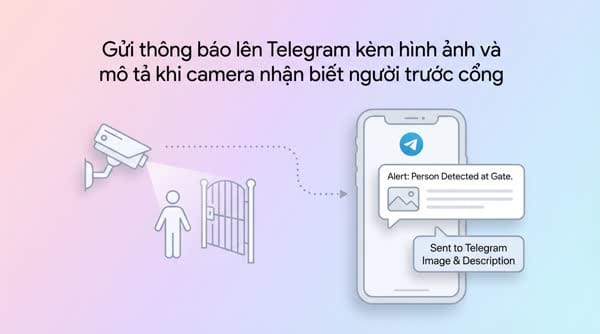
The plan is that I will send a GIF or a short video capturing the motion scene when the camera sensors detect someone. And it will be more interesting if I can use AI to quickly describe what happened based on the captured snapshots. That way I don’t have to waste time watching each clip one by one.
Implementation Steps
Send GIF Images via Telegram
I used ChatGPT quite a lot to help with creating Python code and writing automations.
Create a service to generate a GIF from multiple still images
You need to create a .py file with content similar to the following:
from PIL import Image

import sys


image1_path = sys.argv[1]

image2_path = sys.argv[2]

image3_path = sys.argv[3]

output_path = sys.argv[4]

# Open the images

images = [Image.open(image1_path), Image.open(image2_path), Image.open(image3_path)]

# Create a GIF from the images

images[0].save(output_path, save_all=True, append_images=images[1:], duration=500, loop=0)
Connect with Google AI - If you don’t need AI descriptions, you can skip this step
Go to Device & Service > Add Integration to add the Generative AI configuration. Google allows you to create a free API Key here: https://aistudio.google.com/app/apikey
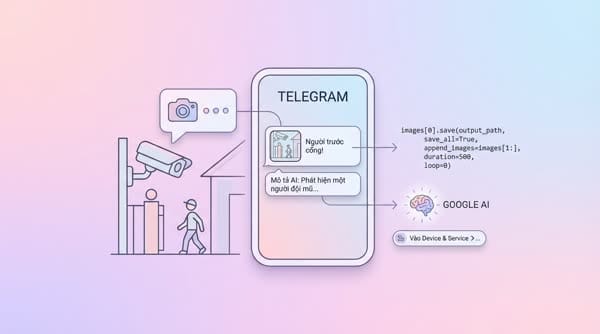
You may need to go through a few registration steps. I don’t remember exactly what they are, but they’re not too difficult to follow.
Create a Script to batch run capture and image description commands
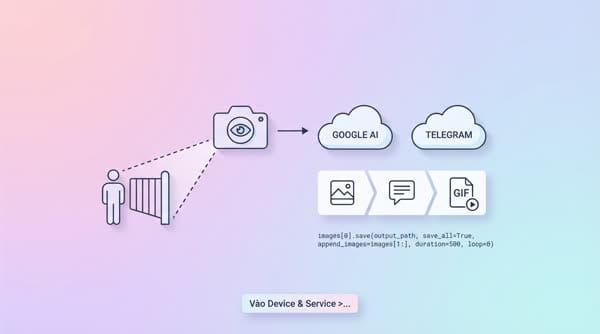
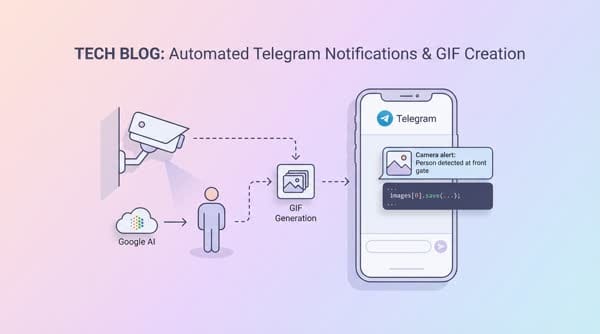
In this script I sequentially execute the following commands:
- Every 1 second, capture 1 image from the designated camera and store it locally with a defined naming structure.
- Use the Python action created above to convert these still images into an animated image.
- Send these still images to Google AI to get an image description.
- (Optional) Add a condition: if Google AI does not return a description, then do not send the Telegram message because it seems like a false alarm. Reference code:
alias: Garage - Snapshot, AI & Notification
sequence:
  - metadata: {}
    data:
      filename: /media/snapshots/garage_snapshot1.jpg
    enabled: true
    action: camera.snapshot
    target:
      entity_id: camera.garage_camera
  - delay:
      hours: 0
      minutes: 0
      seconds: 1
      milliseconds: 500
    enabled: true
  - metadata: {}
    data:
      filename: /media/snapshots/garage_snapshot2.jpg
    enabled: true
    action: camera.snapshot
    target:
      entity_id: camera.garage_camera
  - delay:
      hours: 0
      minutes: 0
      seconds: 1
      milliseconds: 500
    enabled: true
  - metadata: {}
    data:
      filename: /media/snapshots/garage_snapshot3.jpg
    enabled: true
    action: camera.snapshot
    target:
      entity_id: camera.garage_camera
  - action: shell_command.create_gif
    data: {}
  - metadata: {}
    data:
      prompt: >-
        Motion detected, compare and briefly describe what you see in this
        series of images from the camera at my house entrance. What do you think
        caused the motion alert? If there is a person or vehicle, describe in
        detail. Do not describe stationary objects or buildings. If there is no
        clear cause, reply: "Camera detected a person in the Garage"
      image_filename:
        - /media/snapshots/garage_snapshot1.jpg
        - /media/snapshots/garage_snapshot2.jpg
        - /media/snapshots/garage_snapshot3.jpg
    response_variable: generated_content
    action: google_generative_ai_conversation.generate_content
  - if:
      - condition: template
        value_template: |
          {{ generated_content['text'] == ' Camera detected a person in the Garage' }}
    then:
      - stop: ""
    else:
      - data:
          caption: "{{ generated_content['text'] }}"
          file: /media/snapshots/garage_motion.gif
        action: telegram_bot.send_document
mode: single
description: ""
Create an Automation to trigger sending notifications
Since most operations have already been handled in the Script, in the automation you only need to set up the triggers and desired conditions.
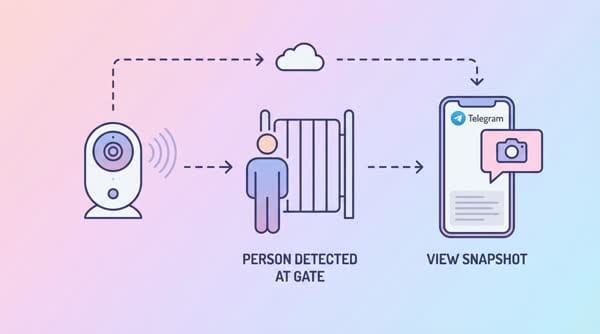
Explanation of the automation I created:
- When the gate is opened (within the defined time range), or when a person is detected in the areas I’ve specified, the automation scenario will start.
- If there is a person outside the gate, send the image from the outside camera; if a person is inside the garage, send the image from the garage camera.