Fixing Sensor Errors When You Just Need to View the Last Value (Unknown / Unavailable)
Có một điểm cực khó chịu khi sử dụng HASS đó là một số cảm biến sẽ không ổn định, nhất là liên quan tới bluetooth vì vậy thường xuyên rơi vào tình trạng không nhận được tín hiệu Từ khóa: ai.

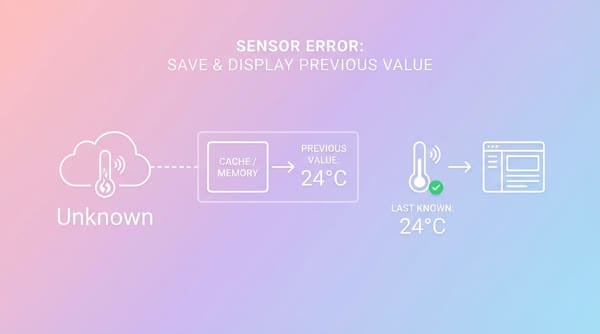
There is a very annoying issue when using HASS: some sensors are unstable, especially those related to Bluetooth, so they often fail to receive a signal and display Unknown or Unavailable. However, we don’t always need to see the sensor’s latest value. Showing the most recent valid value is often good enough. So how can we do that?
Create a trigger and a new sensor to continuously store the sensor value while it is still running
Add the following snippet to HASS’s YAML config file
template:
    ##Configuration to store the sensor value
    - trigger:
      - platform: state
        entity_id: sensor.m_c_tag_area
        not_to:
            - 'unknown'
            - 'unavailable'

    ##New sensor displaying the last stored value
      sensor:
        - name: "Mực's Location"
            state: >
            {% set value = states('sensor.m_c_tag_area') %}
            {{ value if value not in ['unknown', 'unavailable'] else '0' }}
            unique_id: "muc_area_available"
Explanation:
- We define a template that contains a trigger and a sensor.
- This sensor will continuously record the values of
sensor.m_c_tag_areawhen it is not in the states unknown or unavailable (i.e. only valid values). - The sensor will always display the last stored value. If it doesn’t receive a value, it will record the value as 0.
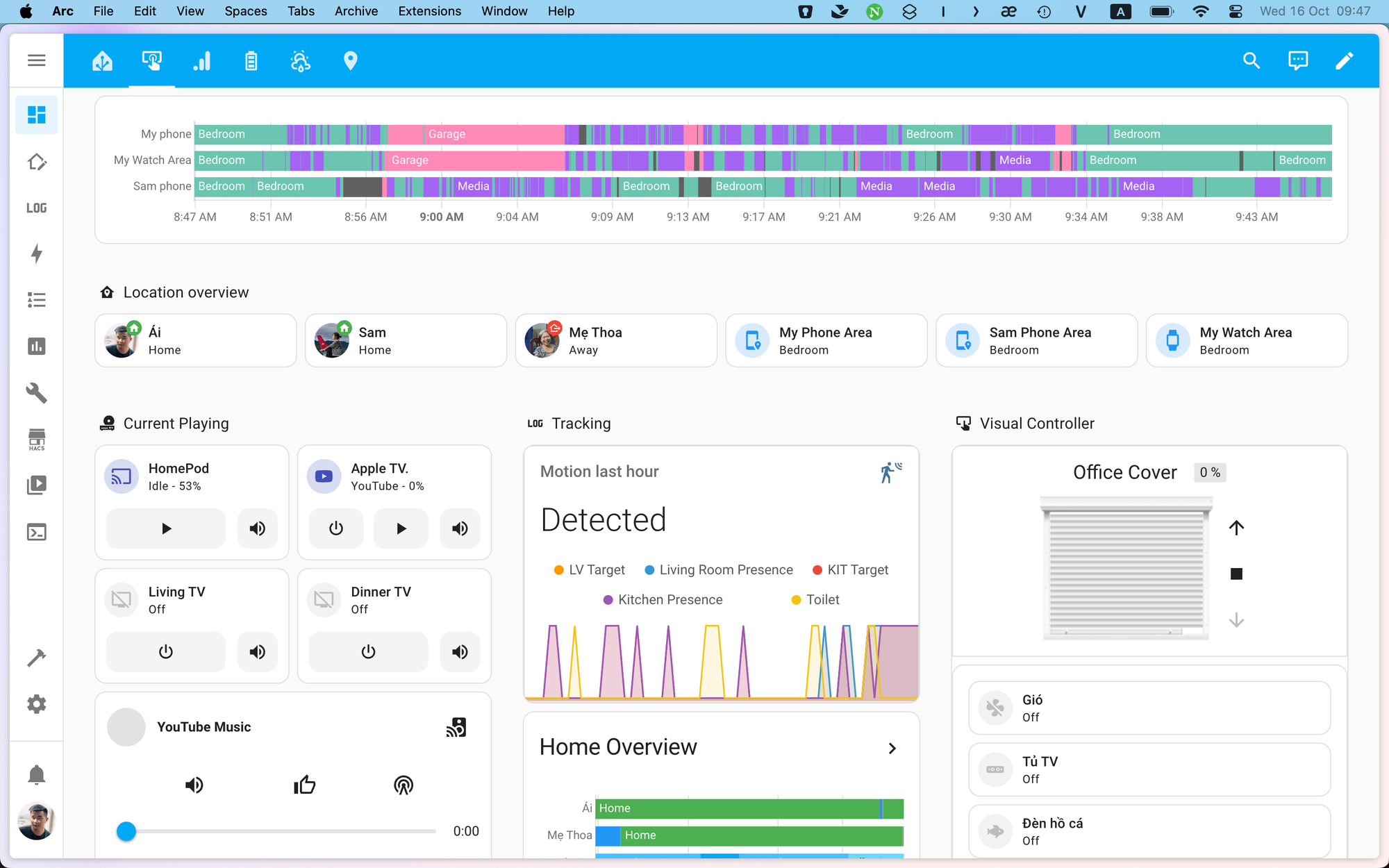
And here is the result: the sensor will record fewer “ghost” values caused by constantly switching between having a value and having no value.
I use this sensor to check where the cat is in the house so that when I go out, I don’t have to run around looking for the cat anymore.