
Automatically Searching for Movies and Subtitles on the Internet
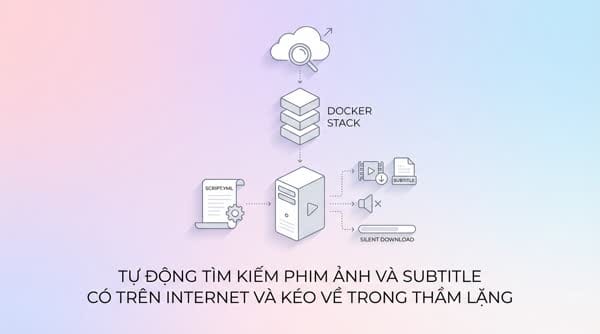
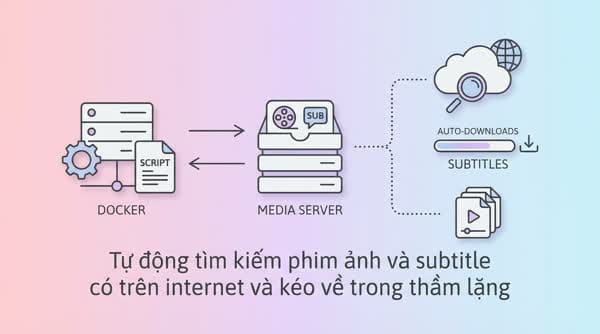
Use the script Script: Set up services to create a media server to install the following services in bulk on Docker, or use Portainer to create a Stack that includes the services
Use the script Script: Setting up services to build a media server to install the following batch of services on Docker, or use Portainer to create a Stack that includes the services below.
YML configuration of the Stack containing all media services
Adjust the configuration to detect the hard drive
- Find the mount path of your external hard drive
- Declare it in the Docker container (edit the path /mnt/sda1/... above) so that your hard drive is recognized
Detailed instructions for working with external hard drives and file sharing: File sharing on a LAN – DIY NAS system
Detailed configuration for each service
Prowlarr – Manage movie search sources

The torrent sources I usually use
Radarr – Manage & search for movies | Sonarr – Manage & search for TV series
Sonarr – Manage TV series
Radarr – Manage movies

Automatically downloads the latest episodes, tracks the latest season or the entire season
Because the configuration and installation of these two services are relatively similar, I will combine the instructions into one to avoid making this too long. Please follow the steps yourself:
- Configure Downloader = qBittorrent
- Configure connection to Prowlarr to automatically sync the indexers
qBittorrent – Torrent client
To have more leechers/peers when downloading torrents, you need to configure a dedicated port for torrent traffic.
- Configure the vueTorrent skin for more convenient use
- Configure the location for temporary download files. The principle is to download and store temporarily, then copy them to the hard drive configured to store movies. This helps improve HDD lifespan.
- Configure port forwarding, email notifications after downloads complete, etc.
Bazarr – Manage & search for subtitles
The subtitle sources I am currently using
- Add Providers (subtitle search sources)
- Configure connections to Sonarr and Radarr to automatically update the list of movies that need subtitles