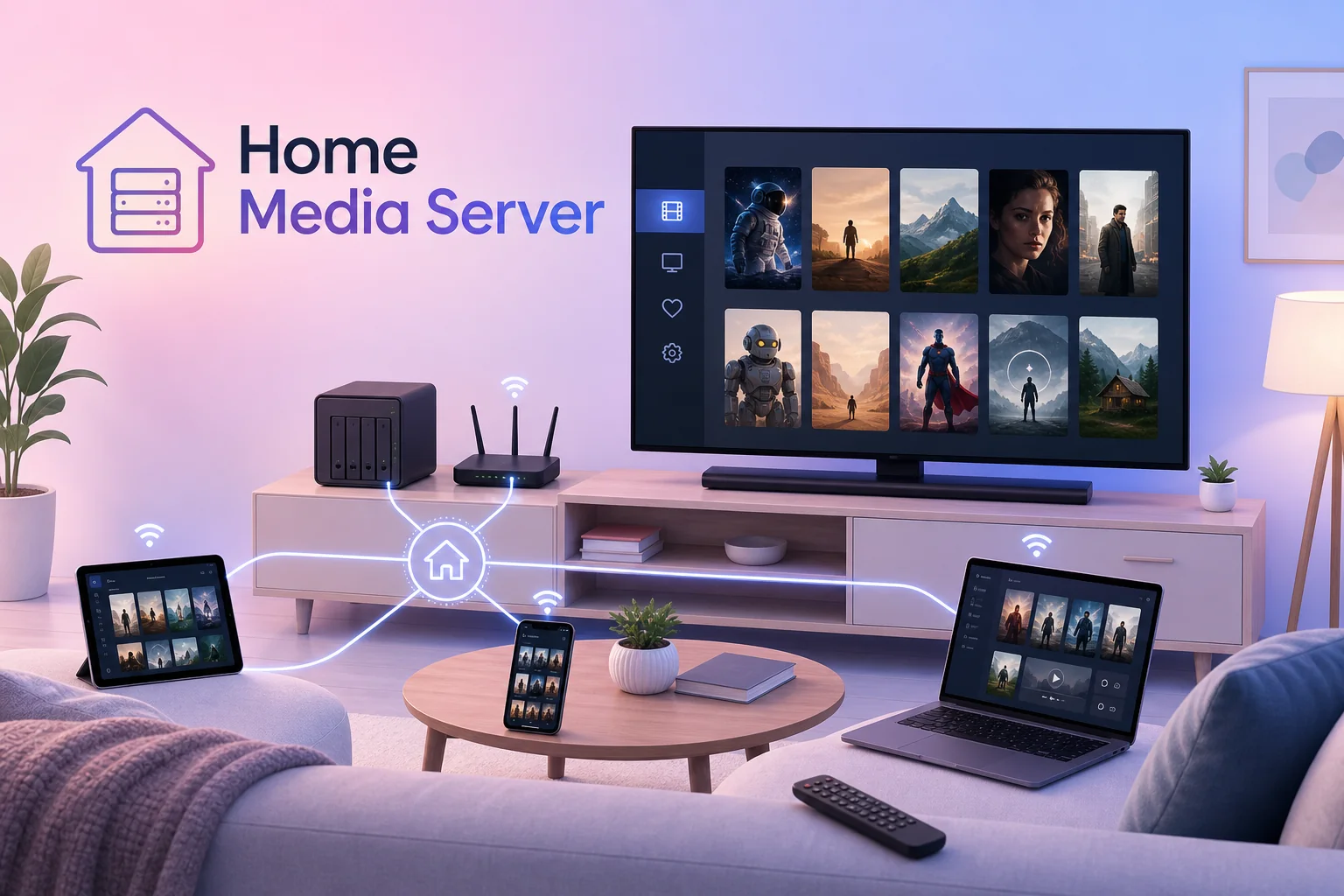
Building a Home Movie Entertainment System With a Media Server
When entertainment is fragmented across many subscriptions and you do not really own the movies you like, a home media server gives you more control: track, buy, store, and stream your own library at home.
Sometimes I just want to turn on the TV and rewatch a movie, a family video, an old concert, or something I have already saved. But home entertainment is now heavily fragmented: one movie is in one app, a series is in another app, an exclusive show is on another platform, and each platform wants its own subscription. If you want to watch enough different titles, those subscription fees add up quickly.
The problem is not only the monthly fee. With subscriptions, I usually rent access for a period of time. A movie can disappear from the catalog, move to another platform, leave my region, or simply become part of a subscription I no longer want to keep. Compared with buying a CD, DVD, or Blu-ray, the feeling of "I own this movie and can watch it again later" is much weaker.
The idea of a home media server is to regain part of that control. I can track movies I want to watch, buy or store content I have the right to keep, put everything into one personal library, and stream it to the TV, iPad, phone, or laptop at home. Everything sits in one place instead of being scattered across many apps and hard drives.
At a high level, I want to clarify why a home media server is useful before getting into Plex installation, subtitle setup, movie tracking, file imports, or dashboards. The service stack with Radarr, Sonarr, Prowlarr, qBittorrent, and Bazarr is closer to the setup covered in setting up services for a media server, while this article stays with the larger system shape so it is easier to decide what should be built first.
This article is about organizing and playing back personal media or content you have the right to use. I do not encourage searching for, downloading, sharing, or automating copyrighted content illegally.
Why Build A Home Media Server?
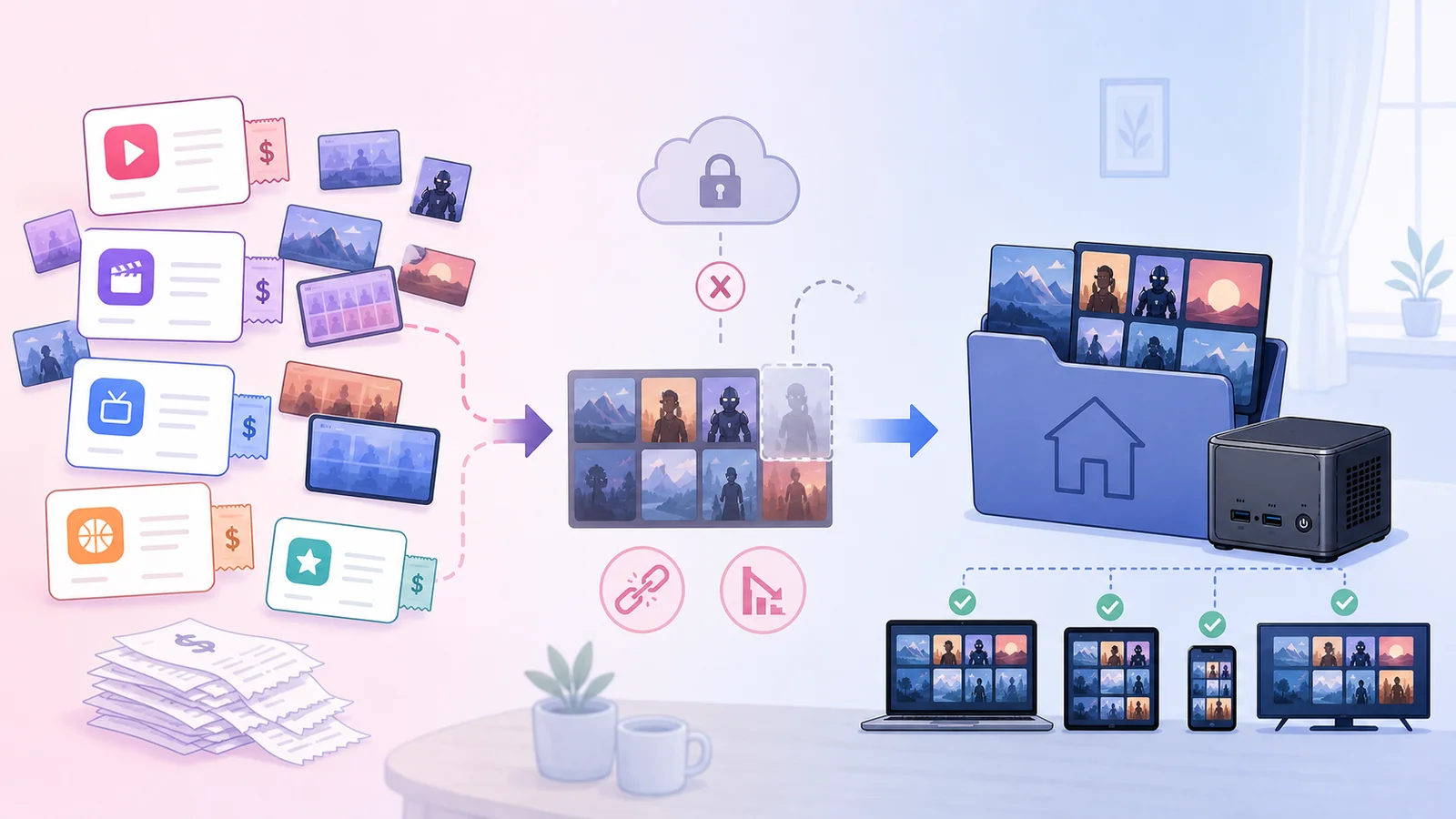
A home media server starts to make sense when you run into these situations:
- Movies, videos, music, or family footage are scattered across many devices.
- You want to watch many movies, but each movie or series lives behind a different subscription.
- You do not want to depend entirely on whether a platform keeps a movie in its catalog.
- You want to buy, store, and manage content you have the right to keep as your own library.
- You want to watch something on the living-room TV without moving USB drives around.
- You want the household to open one app and see a clean library with posters, descriptions, and subtitles.
- You want to keep favorite content long term instead of depending on whether a streaming platform still carries it.
- You want to separate storage from playback: hard drives stay in one place, screens are everywhere.
It does not have to replace Netflix, YouTube, or legal streaming services. For me, a home media server is more like a private library layer inside the house. Streaming is convenient for new content and quick discovery. A media server is better for content I want to keep, organize, revisit, and control long term.
The Core Idea
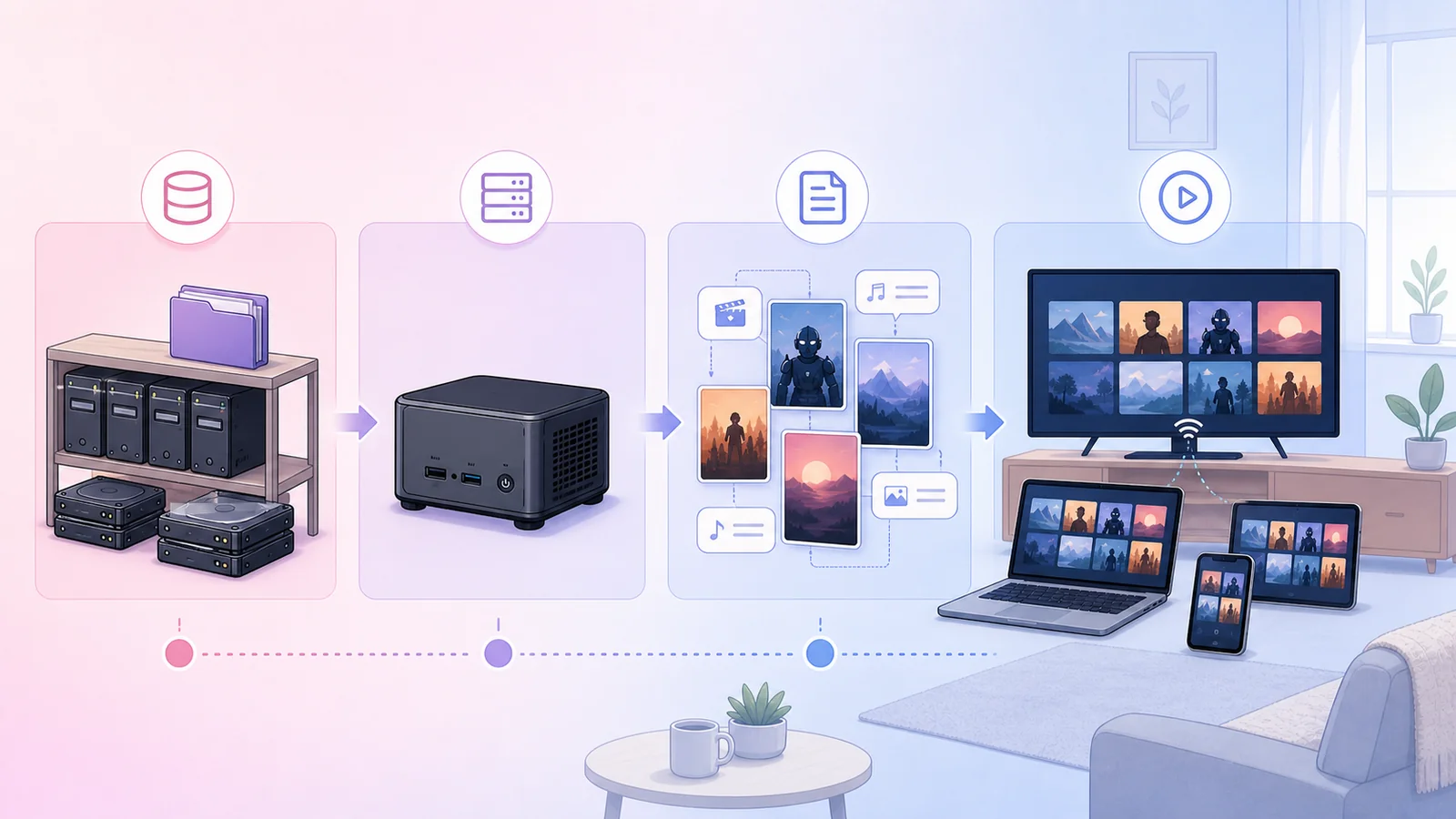
Reduced to the basics, the system has four layers:
Storage
    |
    v
Media server
    |
    v
Metadata / subtitles / posters
    |
    v
TV / phone / tablet / laptop
Storage can reuse old hard drives, a NAS, a mini PC, an old Mac mini, or a small always-on computer at home. The media server reads folders, identifies content, creates the library, and streams it to clients. Metadata makes the library pleasant to use: posters, titles, descriptions, seasons, episodes, and subtitles. Clients are the devices people actually use to watch.
When you think in these four layers, tool choices become less confusing. Plex, Jellyfin, or another solution belongs to the media-server layer. A NAS, external drive, or mini PC belongs to the storage layer. The TV app, phone app, or browser belongs to the client layer. Do not treat all of this as one giant decision.
Automation Turns The Idea Into A System
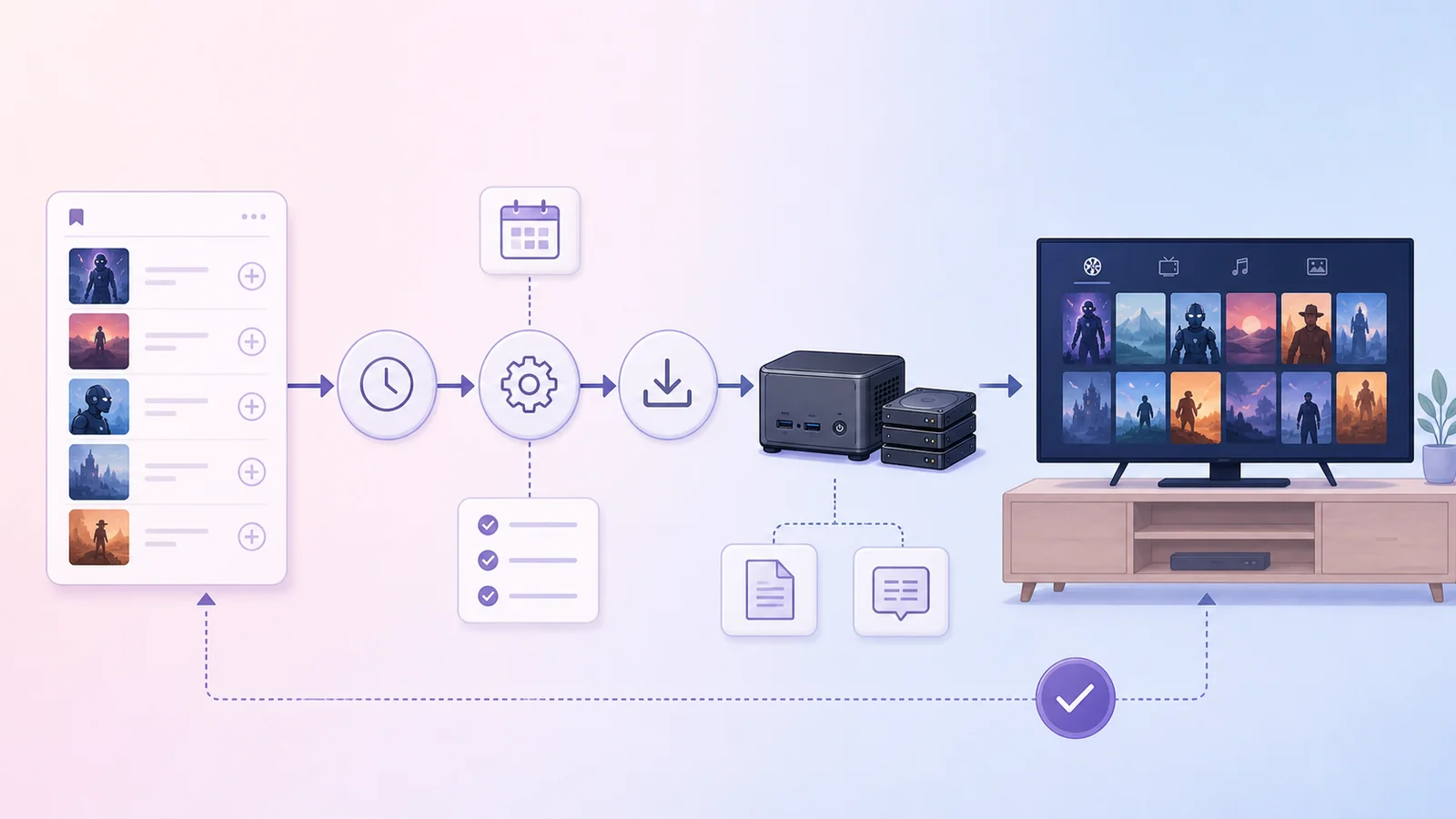
Once the foundation is clear, automation becomes valuable. The goal is not automation for its own sake, but reducing repetitive work around managing a library:
- Track movies or series I want to watch.
- When there is suitable and legitimate content to store, bring it into the right library.
- Normalize file names, folders, posters, metadata, and subtitles.
- Let Plex or Jellyfin update the library automatically so TVs and phones see the content.
- Let Home Assistant show what is playing, upcoming episodes, or media server status.
But the foundation still comes first:
- Can the TV see the server?
- Does the file play smoothly?
- Can another person in the house choose something without help?
- Are subtitles easy to enable?
- If you replace the drive or server later, can the library recover?
Once the foundation is stable, automation can start from a very normal habit: see a movie you want to watch, add it to a Watchlist, and let Radarr/Sonarr manage the library while qBittorrent handles the import flow. I go through that path in more detail in Automating Media Downloads via Plex Watchlist. Prowlarr, qBittorrent, and Bazarr then become the supporting layer that finds sources, places files into the right folders, and adds subtitles so the library is not just a pile of files but something the household can actually use.
Start Inside The LAN
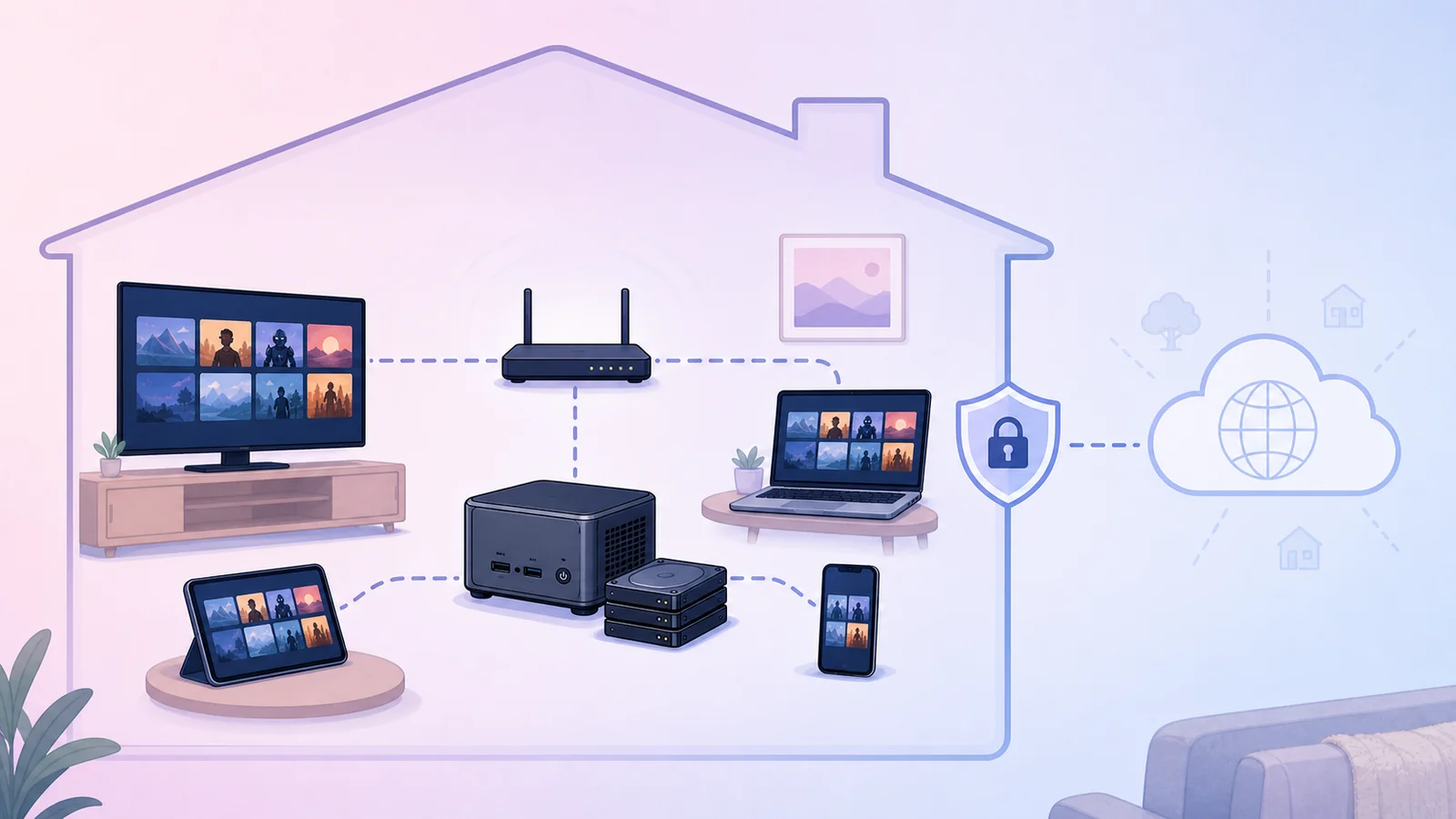
For beginners, I prefer to keep the system inside the local network first. TV, phone, and laptop on the same Wi-Fi or LAN should be enough to test the real experience.
Remote access is a separate problem. Once you expose a service to the Internet, you have to think about domains, VPN, tunnels, reverse proxies, accounts, passwords, permissions, and security updates. Getting this wrong can turn a family entertainment project into a service accidentally exposed to the outside world.
A sensible order is:
- Make it work reliably inside the LAN.
- Clean up the library.
- Test several devices in the house.
- Add at least a basic backup plan.
- Only then think about watching from outside the house.
Plex Or Jellyfin?
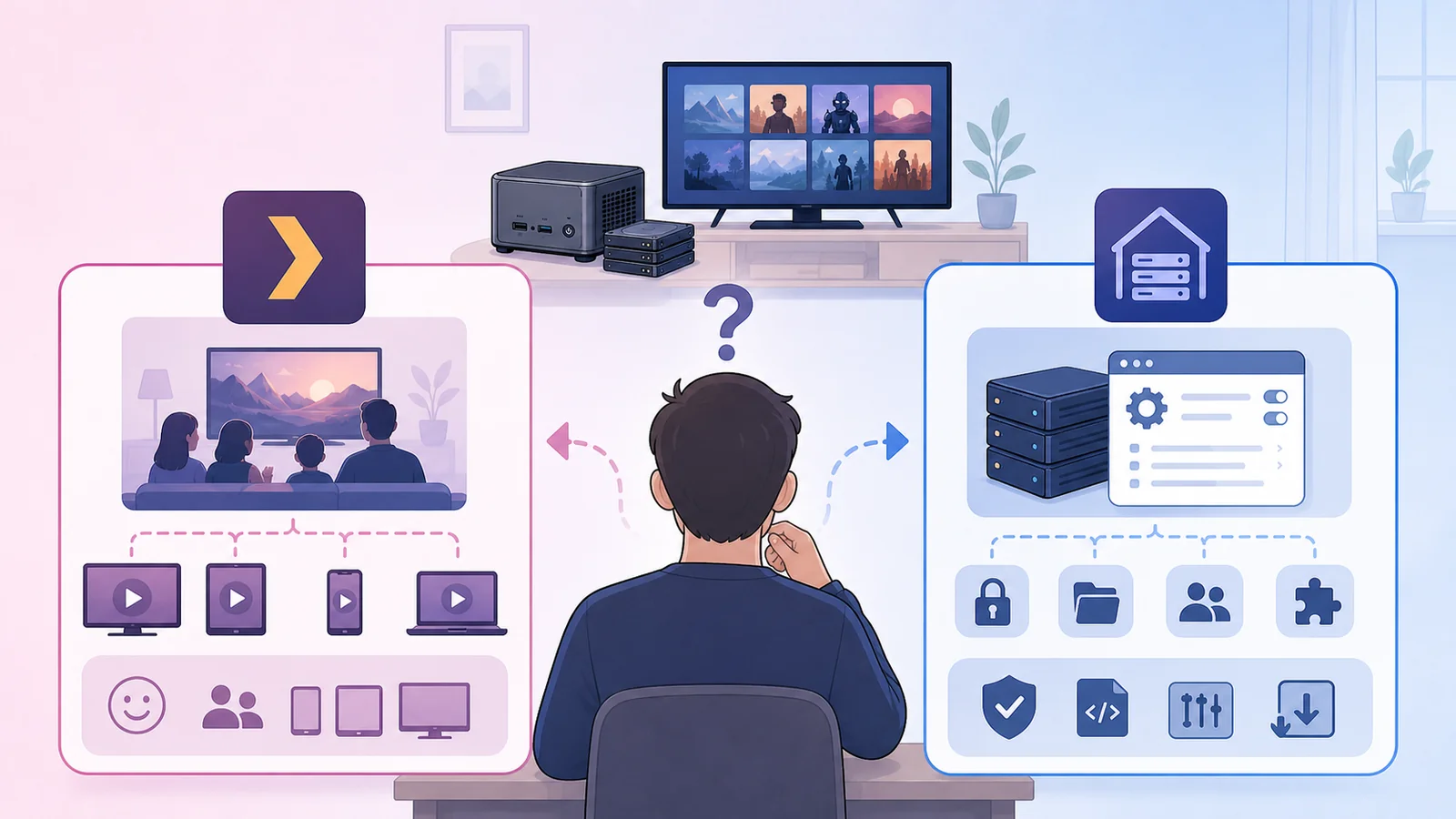
Plex is a good fit if you prioritize ease of use, broad app support, and a smoother experience for the whole household. Jellyfin is a good fit if you prefer open source, more self-hosting control, and less dependence on a cloud account.
Neither choice is universally correct. If the goal is "everyone can open the TV and watch," Plex is usually easier. If the goal is "self-host as much as possible and control more of the stack," Jellyfin is worth trying. The right choice should follow the real users in the house, not only the technical preference of the person building it.
What Matters More Than Raw Power
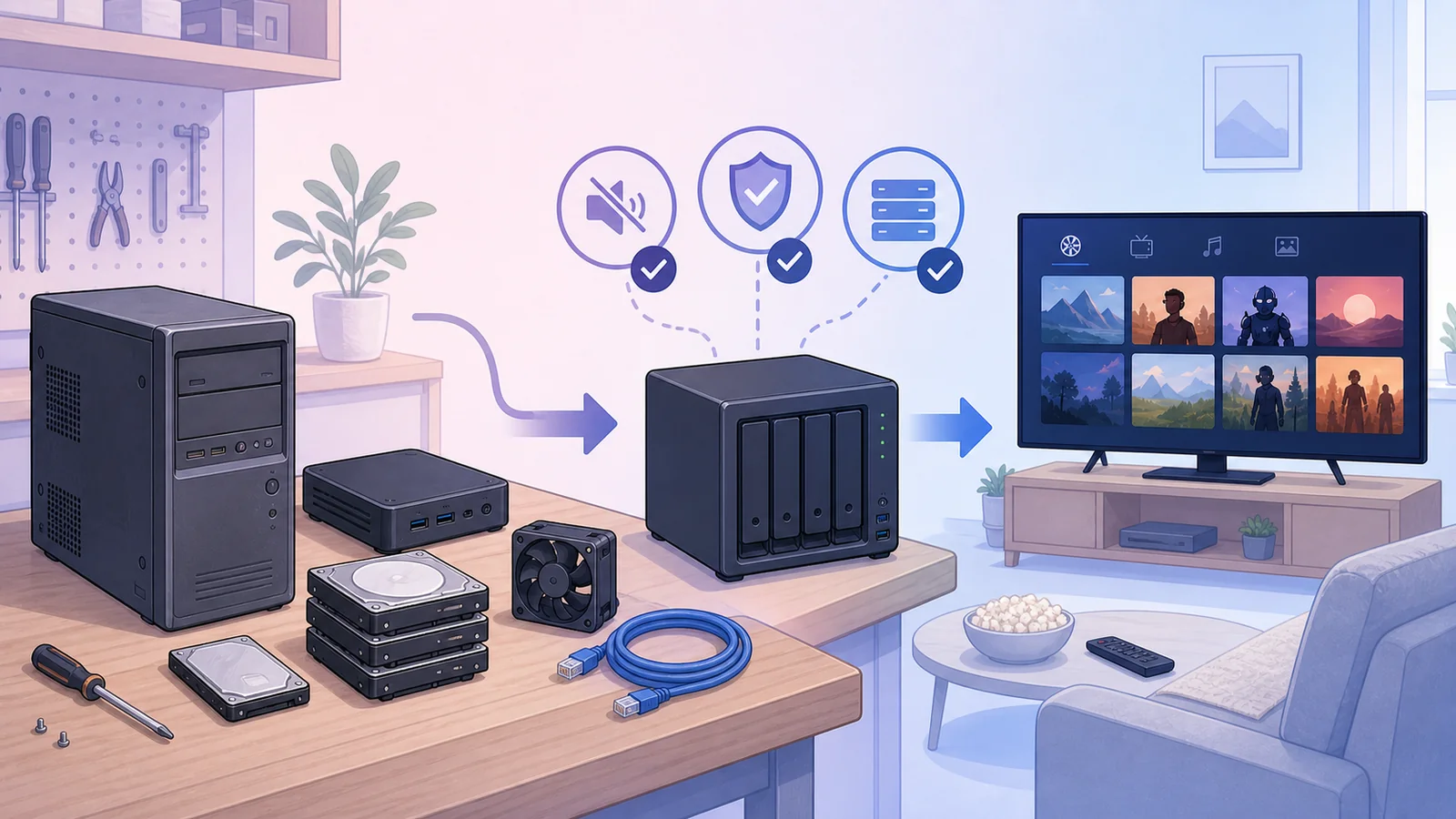
A home media server does not always need to be powerful. If the file can direct play on the TV or client app, the server mostly reads the file and sends it over the network. The heavy part appears when transcoding is required: changing format, bitrate, or resolution in real time.
The nice part is that this project can reuse a lot of old hardware. An old computer, old mini PC, old NAS, or several spare hard drives can become a central entertainment library if arranged properly. In a homelab, value does not always come from buying new hardware. It often comes from turning idle hardware into a system the household uses every day.
Before buying stronger hardware, check:
- Can the TV and client apps play the formats you usually keep?
- Is the Wi-Fi or LAN stable enough?
- How many people watch at the same time?
- Does the library need backup?
- Is the storage large and reliable enough?
In many homes, a small machine that runs reliably all day plus good storage is more valuable than a powerful box that is hot, noisy, and annoying to maintain.
Conclusion
A home media server is a homelab project with very practical value because it touches a normal household need: watching saved content on the device you want, inside the home you actually live in.
The point is not "free movies" in the sense of avoiding legal services. The point is having more control over a personal library: knowing what I want to watch, buying or keeping content I have the right to own, placing it in one central library, and watching it again on any device at home.
Start simple: one place to store media, one media server, many playback screens. Once that works well at home, the automation and smart-home integrations can come later without making the system hard to manage.