plex-sub-downloader: Automate Subtitle Downloading, Syncing, and AI Translation for Plex
If you use Plex regularly, you’ve probably run into situations where new movies are available but don’t have suitable subtitles yet, or the subtitles are off by a few seconds and drag down the viewing experience. plex-sub-downloader was created to solve exactly that problem in a way that is almost fully automated.
Key Features Worth Noting
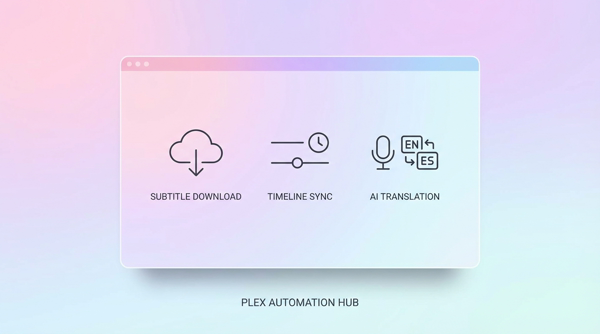
1) Automatically find and download subtitles
- The app receives webhooks from Plex or Tautulli when new media is added or playback starts.
- It automatically searches for subtitles from Subsource in the language you configure.
- It uploads subtitles directly into Plex, no need to handle each file manually.
2) Sync out-of-sync subtitles (sync timing)
- When subtitles are out of sync with the current encode, the app can automatically adjust the timing.
- Reduces the need to manually tweak delay on your TV/phone/tablet.
- Very useful for community-made subtitles that have different offsets across releases.
3) Translate subtitles with AI
- Translate subtitles from a source language into your desired target language.
- Has an approval-required mode before translation to help control API costs.
- Suitable when there are no Vietnamese subtitles available or existing translations are low quality.
In addition, the app provides a Web UI for quick configuration, real-time log monitoring, and centralized subtitle workflow management.
Installation Guide
Requirements
- Docker and Docker Compose
- Plex Media Server (with Webhooks enabled)
- Subsource account + API key
Sample Docker Compose
services:
  plex-subtitle-service:
    image: ghcr.io/leolionart/plex-sub-downloader:latest
    ports:
      - "8000:8000"
    volumes:
      - ./data:/app/data
    environment:
      - PLEX_URL=http://192.168.1.x:32400
      - PLEX_TOKEN=your_plex_token
      - SUBSOURCE_API_KEY=your_subsource_key
    restart: unless-stopped
docker compose up -d
Initial setup
- Open
http://your-server:8000/setup - Enter Plex URL, Plex Token, and Subsource API Key
- (Optional) Enter your OpenAI API Key to enable AI sync/translate
- Save the configuration and test the connection
Webhook
- Plex: Settings → Webhooks →
http://your-server:8000/webhook - Tautulli: Notification Agents → Webhook with the same endpoint
Usage Guide
Everyday automated flow
- Add new media to Plex.
- Plex/Tautulli sends a webhook to the service.
- The service automatically finds subtitles, filters by quality, and uploads them to Plex.
- If AI sync/translate is enabled, subtitles will be synced and translated according to your configuration.
Manual flow when intervention is needed
- Go to
/syncto run sync/translate for specific media. - Go to
/translationto review translation requests before execution. - Go to
/logsto monitor real-time logs when debugging.
Conclusion
plex-sub-downloader is a very practical solution for a home media stack: it reduces manual work, improves viewing experience, and scales well as your movie library grows.
If you want Plex to “take care of subtitles” in a smarter way, this is a project well worth trying.