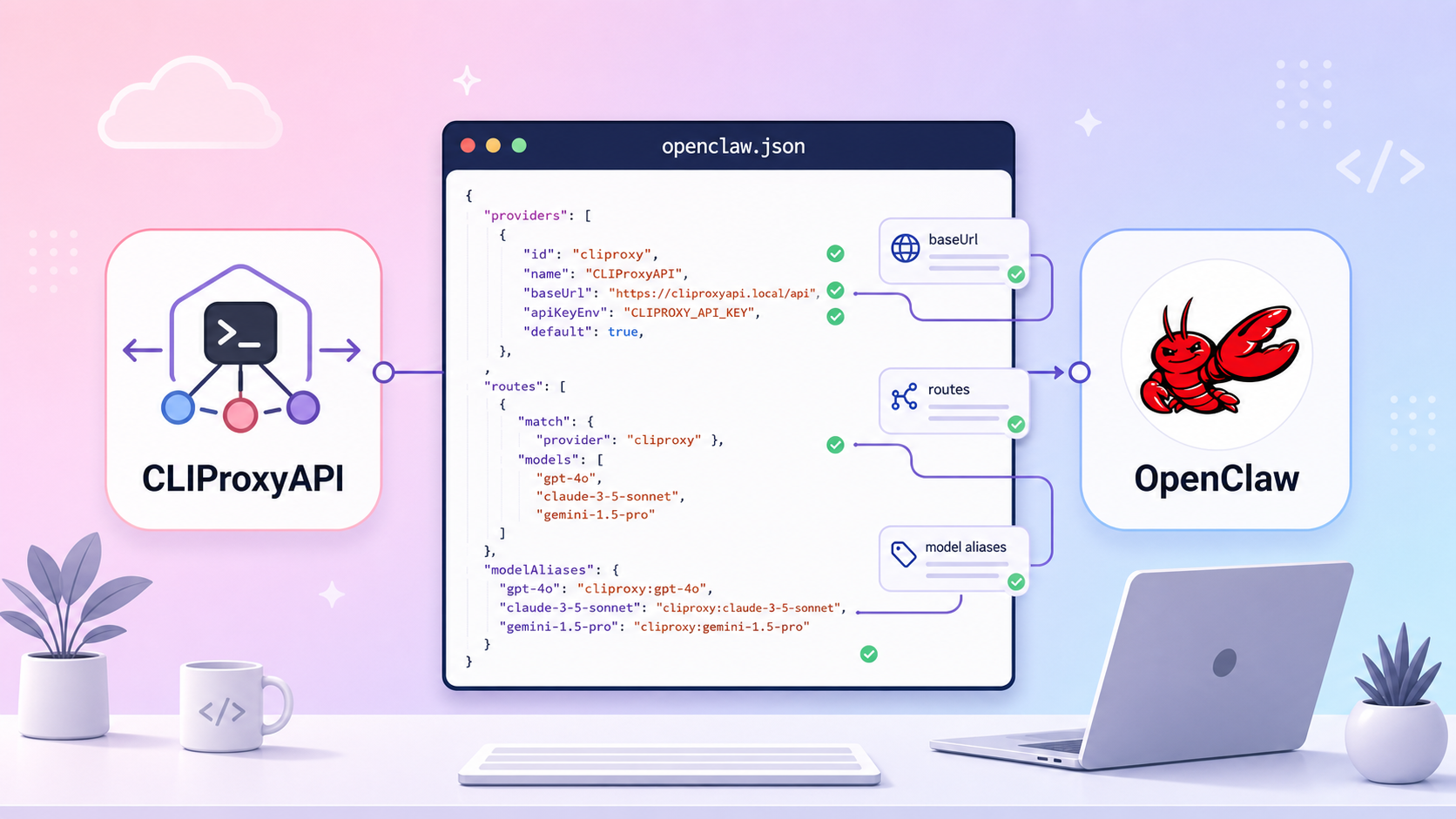
Configuring CLIProxyAPI for OpenClaw
If you already have a CLIProxyAPI endpoint and want OpenClaw to call the model via a proxy instead of calling the provider directly, this article provides a ready-to-use copy-paste configuration.
1) Where is CLIProxyAPI connected in OpenClaw?
In OpenClaw, the model routing decision lies in 2 layers:
- Provider layer (
models.providers)
Declares the proxy endpoint + the list of models that OpenClaw can see. - Agent routing layer (
agents.defaults.modelandagents.list[].model)
Selects the primary model (primary) and backup models (fallbacks) in the format: provider/model-id
Example:cliproxy/gpt-5-mini
2) Minimum configuration template for models.providers.cliproxy
Open the file:
nano ~/.openclaw/openclaw.json
Add (or update) the following block:
{
  "models": {
    "mode": "replace",
    "providers": {
      "cliproxy": {
        "baseUrl": "[https://proxy.naai.studio/v1](https://proxy.naai.studio/v1)",
        "apiKey": "",
        "api": "openai-completions",
        "models": [
          {
            "id": "gpt-5-mini",
            "name": "GPT 5 Mini",
            "reasoning": false,
            "input": ["text"],
            "cost": { "input": 0, "output": 0 },
            "contextWindow": 1000000,
            "maxTokens": 8192
          },
          {
            "id": "claude-opus-4-6",
            "name": "Claude Opus 4.6",
            "reasoning": true,
            "input": ["text", "image"],
            "cost": { "input": 0, "output": 0 },
            "contextWindow": 1000000,
            "maxTokens": 8192
          }
        ]
      }
    }
  }
}
Quick explanation of important fields
baseUrl: CLIProxyAPI endpoint (must include/v1if the proxy uses the OpenAI-compatible standard).apiKey: key for OpenClaw to authenticate with the proxy.api: in the actual configuration, it isopenai-completions.models[].id: must exactly match the model ID exposed by the proxy.models.mode: "replace": uses the model list you declared to replace the default list.
3) Set primary + fallback model for the default agent
If you want the feature to switch models right on the chat interface, you must configure the list of models you want to switch to in the fallback.
)
{
  "agents": {
    "defaults": {
      "model": {
        "primary": "cliproxy/gpt-5-mini",
        "fallbacks": [
          "cliproxy/claude-opus-4-6",
          "anthropic/claude-opus-4-6",
          "openai-codex/gpt-5.3-codex"
        ]
      }
    }
  }
}
Principles:
- primary: set a cheap/fast model for most tasks.
- fallbacks: mix multiple providers to increase availability when the proxy or quota encounters errors.
To declare using the interface, do it here:
)
4) Override per agent (if needed)
If you have multiple personas/workspaces (e.g., personal, work), you can override the specific model in agents.list[]:
{
  "agents": {
    "list": [
      {
        "id": "personal",
        "model": {
          "primary": "openai-codex/gpt-5.1-codex-mini",
          "fallbacks": [
            "cliproxy/claude-opus-4-6",
            "cliproxy/gemini-3-pro-preview"
          ]
        }
      }
    ]
  }
}
The great thing is: you still keep cliproxy/* in the fallback to automatically "save the session" when the main model fails.
5) Verification checklist after saving configuration
- Check for valid JSON (no extra commas, correct bracket closures).
- Test call the proxy's models endpoint (ensure the key/URL is correct).
- Restart OpenClaw.
- Test a short prompt to confirm the
primarymodel is working. - Test a fallback situation (temporarily disable the primary or use a wrong model ID to observe the fallback switch).
6) Common errors and quick fixes
Error 401 Unauthorized
- Incorrect
apiKeyor the key has been revoked. - Fix: create a new key, update
models.providers.cliproxy.apiKeyagain.
Error 404 / model not found
baseUrlhas a wrong path or the modeliddoes not exist on the proxy.- Fix: double-check
/v1and synchronize the model ID with the list returned by the proxy.
Conclusion
To stably integrate CLIProxyAPI into OpenClaw, just remember 3 points:
1. Correctly declare models.providers.cliproxy.
2. Correctly route primary/fallback in the format provider/model-id.
3. Verify after every configuration change.
By following these 3 steps correctly, you will be able to utilize your existing account via proxy while keeping the agent system running stably during provider errors.